01
One-tap rooms
A random code like kdp-xm4q-9ztb appears instantly. The link is the invitation — paste it in any chat.
Meet is a browser video-room app. Create a room, send the link, and talk with your camera and microphone. Audio and video travel peer to peer — the server only introduces people to each other.
0 installs · 0 accounts · 1 link
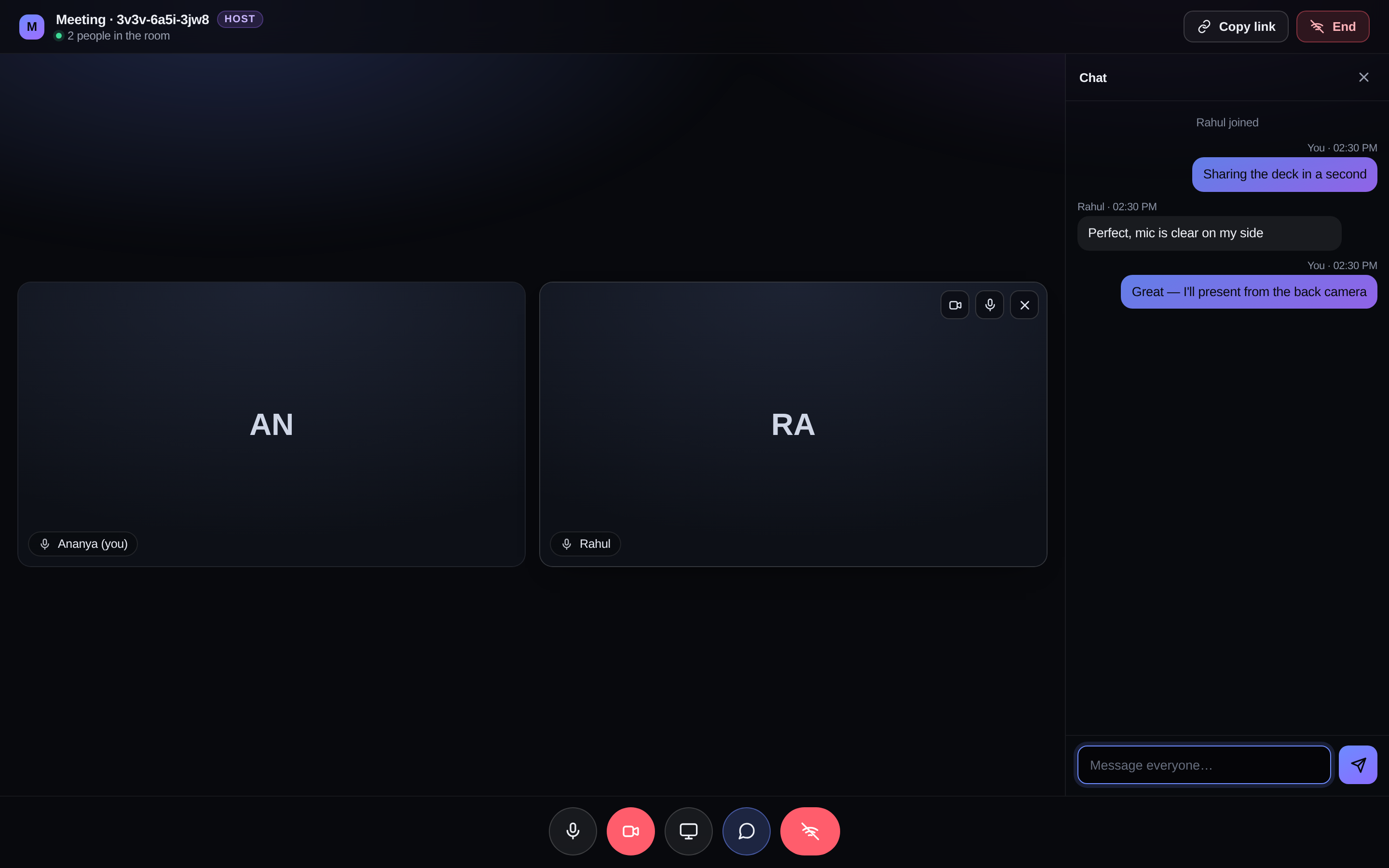
a live room — two people, host controls, chat
Built as one HTML file and one Worker. No framework, no bundler, no database to run.
A random code like kdp-xm4q-9ztb appears instantly. The link is the invitation — paste it in any chat.
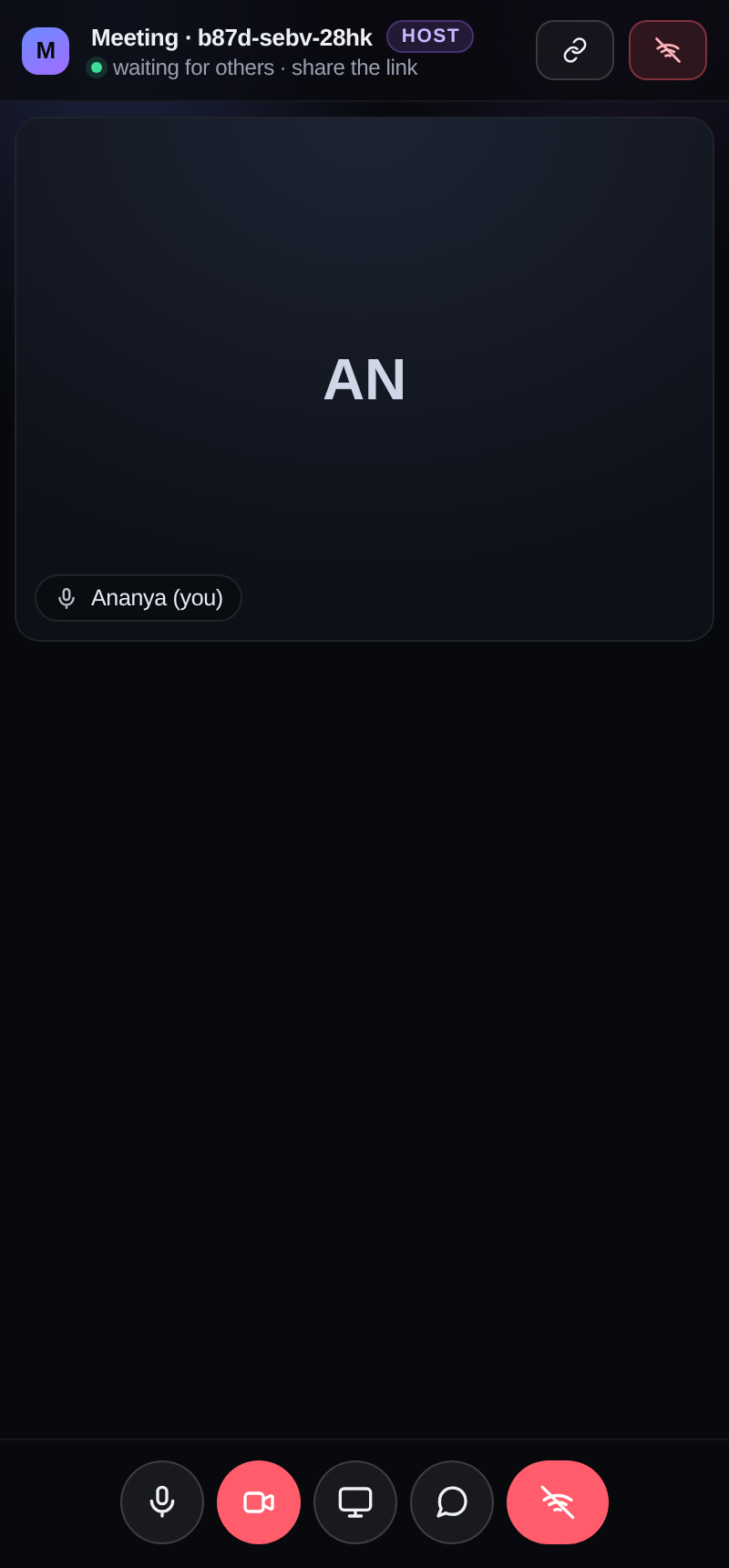
Mute, turn the camera off, share your screen. Every change applies to the live call without dropping it.
On a phone, switch cameras mid-call. The outgoing video track is swapped in place, so the other side sees no reconnection.
replaceTrack · no renegotiationMessages and a live "Rahul is typing…" indicator, relayed through the room. Unread counts wait for you in the corner.
Whoever creates a meeting runs it: remove someone, force their camera or mic on, or end the meeting for everyone.
SHA-256 host keyThe home screen shows the rooms you created or joined that are still alive, with a live headcount and one click to rejoin.
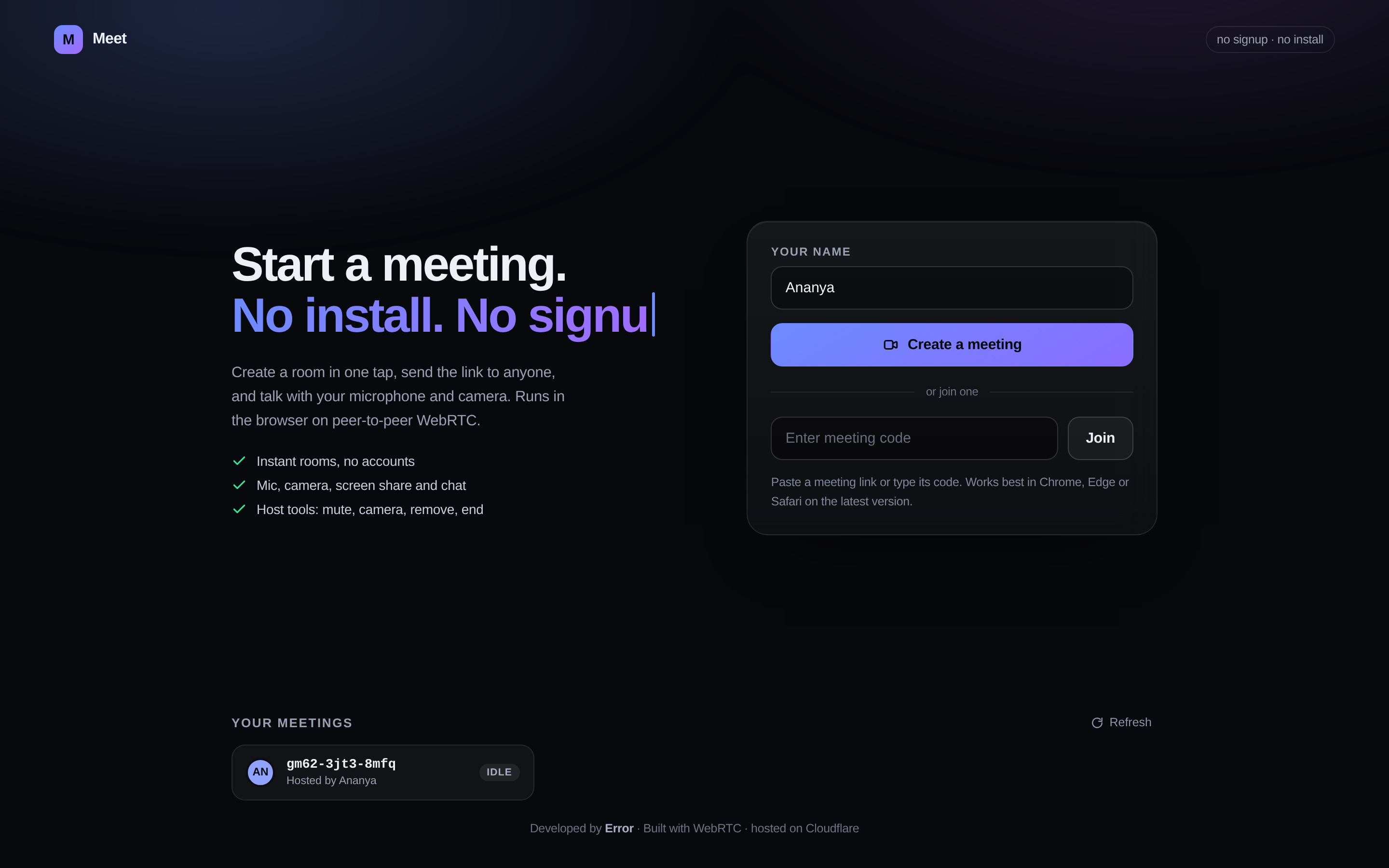
One Durable Object per room handles the handshake and remembers who hosts it. Once two browsers know about each other, they talk directly.
Creating a room generates a random host key in the browser. Only its SHA-256 hash is stored, inside that room's Durable Object.
Room metadata lives in durable storage, so an empty room doesn't vanish.
The room object is driven directly, and the browser suites click through the real interface in two isolated Chromium profiles.
Node 18 or newer. Locally, two browser windows are enough to see a call between two people.
# install and start
npm install
npm run dev

# open two browsers at
http://localhost:8099
# one Worker + one Durable Object
npm install -g wrangler
wrangler login
npm run deploy

# → https://meet.<you>.workers.dev
Comfortable to about 4–6 people. Everyone sends to everyone, so a bigger room costs more bandwidth per person.
STUN plus a public TURN relay covers most networks. A strict corporate firewall may still refuse — bring your own TURN credentials for anything serious.